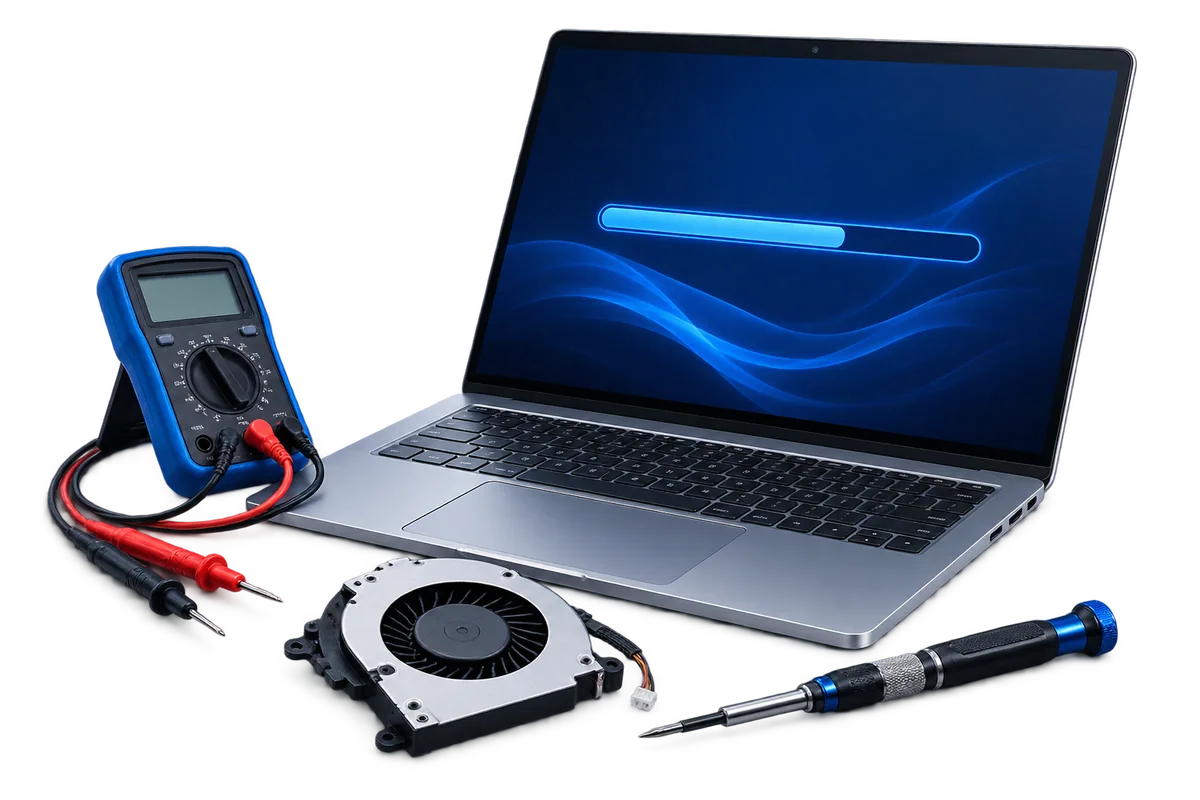

Describe the fault, not just the part you suspect
A computer that will not start, a display fault and a slow application may have several possible causes. A useful first message describes what you can observe: whether any lights appear, what the screen shows, when the problem began and whether the behaviour is consistent. Avoid treating an online guess as a confirmed diagnosis.
Include recent changes such as a software update, a new component, a fall or liquid exposure. If the computer still works, record the exact error text or take a photo. Do not share passwords or confidential documents in the enquiry.
Common assessment areas
Startup and display problems
Tell us whether the computer powers on, reaches its operating system or shows an image on its display. The device and exact model help identify compatible parts and the appropriate next checks. A message alone cannot establish whether a screen, power component or another part needs replacement.
Slow performance and upgrades
Describe the programs you use and where the slowdown happens. Storage, memory, software and the overall specification can all matter. A compatible SSD or RAM upgrade may help a particular workload, but an upgrade is not a remedy for every fault. We check the existing computer before recommending a change.
Cooling, software and storage
Mention unusual heat, fan behaviour, software errors or storage warnings. If important files may be affected, make that clear before work is agreed. Data recovery depends on the storage device’s condition and cannot be promised from a description.
What determines a PC repair quotation?
There is no fixed repair tariff confirmed for this guide. A quote should identify the assessment findings, any parts, the proposed work and relevant charges. Confirm those details before proceeding.
| Requirement | What needs checking |
|---|---|
| Screen or keyboard work | Exact device model, compatible replacement and availability |
| SSD or RAM upgrade | Supported interface, capacity and the existing configuration |
| Cooling work | Condition, cleaning requirements and any replacement components |
| Software troubleshooting | Symptoms, access requirements and the agreed scope |
| Data recovery | Storage condition, feasibility and assessment terms |
A repair estimate is different from a confirmed quotation. Parts availability may affect both cost and timing. Ask which charges apply to assessment and what happens if you decide not to proceed.
Prepare your computer and files
Back up important files where the computer is usable. Check that the backup contains the files you need and can be accessed separately from the device being assessed. Microsoft provides instructions for Windows Backup; choose a backup method suitable for your files and account.
Contact Husain before travelling to confirm visit arrangements and whether the power adapter or another accessory is needed. If the device has suffered liquid or physical damage, explain that first rather than repeatedly attempting to operate it. Follow the manufacturer’s safety guidance.
Agree the next step before work starts
The useful sequence is enquiry, assessment, recommendation, quotation and agreement. Ask what will be tested at handover and how any remaining issue will be handled. Repair-specific warranty, assessment and support terms must be confirmed for the actual work; no blanket warranty is established by this article.
Repair, upgrade and replacement are different decisions. Compare the computer’s condition, your applications, compatibility and the proposed cost. A custom PC build (coming soon) may be worth discussing for a new workload, while a focused repair may fit an otherwise suitable computer.
Frequently Asked Questions About PC Repair in Nairobi
How much will my repair cost?
A quotation depends on the assessed fault, parts and work involved. Describe the problem first and confirm assessment charges and repair scope before proceeding.
Is same-day repair available?
Do not assume a same-day or next-day repair. Diagnosis, required parts and the agreed work determine the schedule. Contact Husain to discuss your particular device.
Can an SSD upgrade fix a slow computer?
It may help if storage is a relevant bottleneck and the computer supports a compatible SSD. The specification, condition and workload need checking first.
Where can I find computer repair near me in Nairobi?
Husaini Tech Solutions is based at Amatullah Villa No. 46, Saifee Park, Langata, Nairobi. Use the contact page to confirm arrangements before visiting.

Send a useful first enquiry
Use our computer and laptop repair page to review the service scope, or prepare an enquiry with the model, symptoms and your contact details. You review the enquiry before it opens in WhatsApp and choose whether to send it.